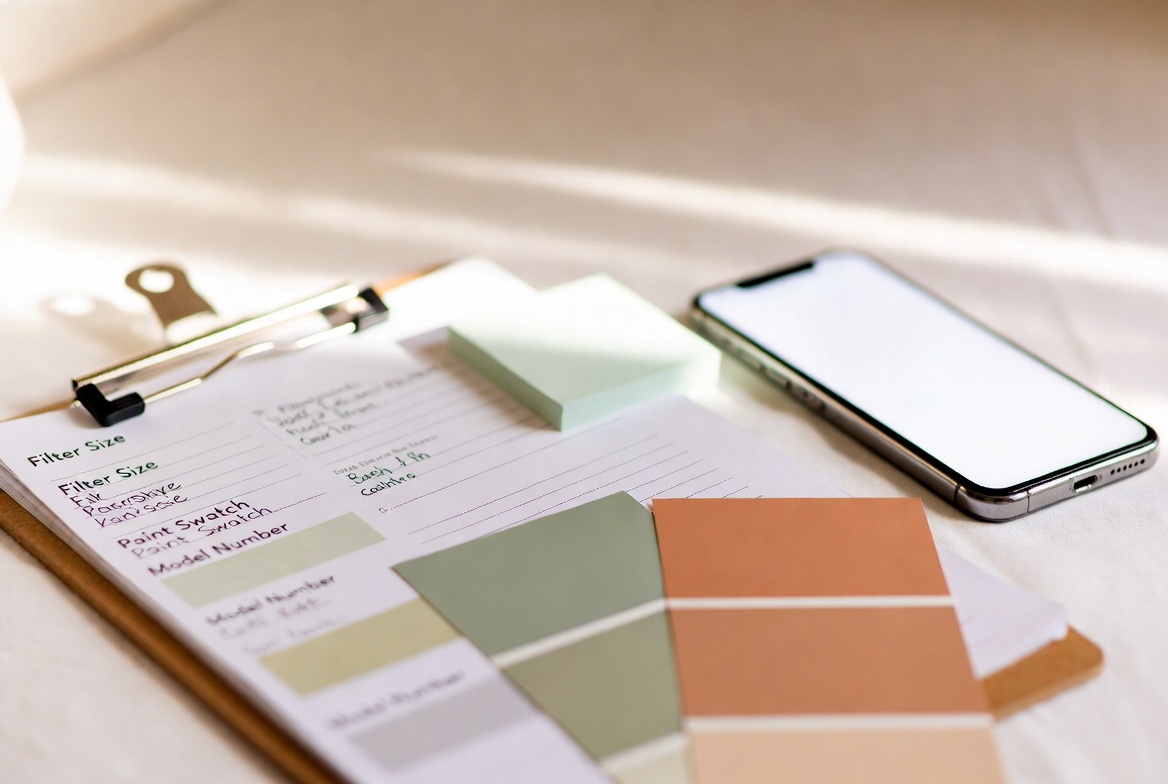
Things Needed for a New House: The Info Checklist
Everyone tells you what to buy when you move. Nobody tells you what to find out. This is that list — the information that will save you hours, headaches, and emergency Google searches for years to come.

table of contents
The list nobody gives you
Moving checklists are everywhere. Change the locks. Buy a plunger. Get a shower curtain. That's the list everyone writes — and it's fine, but it's not the one that matters long-term.
The list that actually matters is the one nobody gives you: the information about your house. The filter size. The paint colors. The model numbers on the appliances. The location of the water shut-off. The name of the electrician the previous owner used.
This information exists in your house right now. In six months, you'll be standing in a hardware store unable to remember your filter size. In a year, you'll be trying to touch up a scuff on the wall with the wrong white. In two years, you'll wish you'd written down the name of that plumber who fixed things quickly and didn't overcharge.
Gather it now, while you're in the house and the previous owners might still answer a text. If you are still shopping for a place, our guide on what to look for when buying a house covers inspection red flags. Once you close, pair this list with our new house essentials checklist for what to buy and what to record on day one.
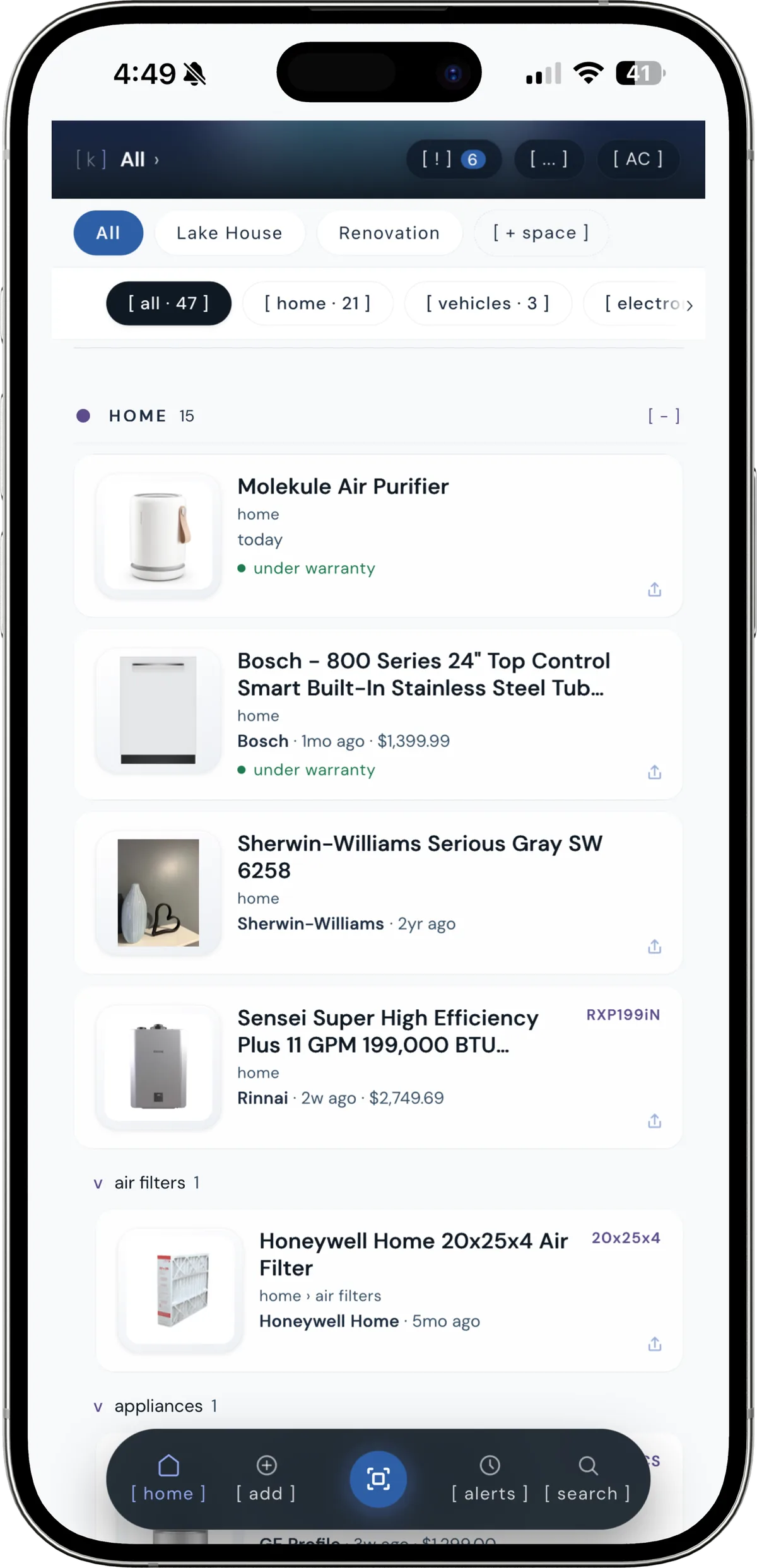
the list nobody gives you, once it's actually written down.
HVAC and air quality
The furnace filter size is the single most commonly forgotten thing in a new house. Your air conditioner filter sizes matter just as much if you have central AC. You'll need to replace it every 1–3 months depending on filter type and household. When you forget your size, you end up buying the wrong one or putting it off entirely.
What to find out
- Furnace filter size — printed on the cardboard frame of the existing filter. Pull it out and look. Common sizes: 16x20x1, 20x25x1, 16x25x1. Write it down or scan it into kept.
- Filter type — basic fiberglass, pleated, or HEPA? Note the MERV rating if it's listed.
- Last service date — ask the previous owner or check for a sticker on the furnace. HVAC systems should be serviced annually.
- Furnace model number — on the front panel of the unit. Useful for warranty claims and finding compatible parts.
- Air conditioner model number — on the outdoor condenser unit or indoor air handler.
kept is reader-supported. When you buy through links on this page we may earn a small commission, at no extra cost to you. It never changes what we recommend.
HVAC info to save
- ☐ Furnace filter size (e.g. 20x25x1)
- ☐ Filter MERV rating or type
- ☐ Furnace make and model number
- ☐ AC unit make and model number
- ☐ Date of last HVAC service
- ☐ HVAC contractor name and phone number
Appliance model numbers
Every appliance in your house has a model number. You won't need most of them until the worst possible moment — when something breaks, when a warranty claim is due, or when you need a replacement part and the store needs the exact model to look it up. Here's a full guide on where to find appliance model numbers by appliance type.
It takes about 20 minutes to walk through your house and photograph or scan every appliance data plate. Do it in your first week. You will not regret it.
Where to find model numbers
- Refrigerator — inside the door on the side wall, or behind the crisper drawer
- Dishwasher — inside edge of the door, visible when open
- Washing machine — back of the unit, or inside the door frame
- Dryer — back panel or inside door frame
- Oven / range — behind the storage drawer, or inside the door frame
- Microwave — inside the door or on the back of the unit
- Water heater — label on the tank near the top
- Garage door opener — top of the motor unit on the ceiling
kept stores every model number, serial, and barcode so you never crawl behind an appliance again.
[ try kept free ]Appliances to document
- ☐ Refrigerator (make, model, serial number)
- ☐ Dishwasher (make, model, serial number)
- ☐ Washing machine (make, model, serial number)
- ☐ Dryer (make, model, serial number)
- ☐ Oven / range (make, model, serial number)
- ☐ Microwave (make, model, serial number)
- ☐ Water heater (make, model, capacity, serial number)
- ☐ Garage door opener (make, model — for compatible remotes)
- ☐ Any remaining warranties (check paperwork from sellers)
Paint colors by room
Paint color questions come up more than you'd expect. Scuffs happen. You hang a picture and leave a nail hole. You repaint one wall and need everything to match. Without the original color name, you're guessing — and even professional color matching doesn't always get it exact.
How to find your paint colors
- Ask the previous owners first — many homeowners keep a spreadsheet or document with paint colors per room. A simple text message can save you hours.
- Check the garage or basement — leftover paint cans often have the color name and brand on the lid or label.
- Look for paint chips — some sellers leave touch-up chips in a kitchen drawer or utility room.
- Take a chip sample to a paint store — if all else fails, cut a small chip from behind an outlet cover plate and bring it in for professional color matching.
Paint info to save by room
- ☐ Living room (brand, color name, finish)
- ☐ Kitchen (brand, color name, finish)
- ☐ Primary bedroom (brand, color name, finish)
- ☐ Each additional bedroom
- ☐ Bathrooms (often different finishes — semi-gloss for moisture)
- ☐ Trim and baseboards (often a separate color from walls)
- ☐ Ceilings (usually flat white, but the exact white matters)
- ☐ Exterior (if applicable — front door color is often memorable)
Utilities and shut-offs
You need to know where things turn off before something goes wrong. A burst pipe, a gas smell, a tripped breaker — these are not moments to be searching YouTube for where the shut-off is located in a house like yours.
What to locate and document
- Main water shut-off — usually in the basement near the foundation wall, or under a bathroom or kitchen sink. Turn it to confirm it works.
- Individual fixture shut-offs — under every sink, behind every toilet. Know which way is off.
- Main gas shut-off — typically at the gas meter on the outside of the house. You'll need a wrench to turn it.
- Electrical panel location — label every breaker if the panel isn't labeled, or if the labels are illegible. A two-person job: one flips breakers, one checks what turns off.
- Sewer clean-out location — the access point for a plumber to snake the main line if it clogs.
Utility info to save
- ☐ Main water shut-off location (describe it clearly)
- ☐ Main gas shut-off location
- ☐ Electrical panel location and a photo of the breaker map
- ☐ Electric utility account number and customer service number
- ☐ Gas utility account number and customer service number
- ☐ Water utility account number and customer service number
- ☐ Wi-Fi network name and password
- ☐ Security system code and monitoring company contact
- ☐ Garbage and recycling pickup schedule
Contractor contacts
A good contractor is hard to find. The previous owners may have spent years finding a reliable plumber, a trustworthy electrician, and an HVAC tech who shows up on time. That information is sitting in their phone and it's worth asking for. See our guide on building a contractor contact list you'll actually use.
Send a message or ask at closing. Most sellers are happy to share — they want the house well taken care of too.
Contacts to ask for and save
- Plumber — the one they called for leaks, clogs, and water heater issues
- Electrician — licensed, familiar with the house's wiring
- HVAC technician — ideally whoever serviced the furnace last
- Roofer — if any work was done recently, when and by whom
- Landscaper or lawn service — if they used one regularly
- General handyman — for the smaller jobs that don't need a specialist
- Pest control — especially if the house has had any history of treatment
Pro tip: In kept, you can add contractors as "service" items — save their name, number, what they do, and notes about past work. When your partner asks "who did we use for the furnace last time?", it's a two-second search instead of a text thread archaeology project.
Where to save all of it
The point of gathering this information is being able to find it. A note in your phone gets buried. A shared Google Doc gets forgotten. A spreadsheet no one updates is useless by year two.
kept is built for exactly this kind of information — structured, searchable, and always on your phone. You add items once (scan the barcode, type the filter size, note the paint color) and find them in seconds whenever you need them. It works for products, appliances, and services.
The first week in a new house is the best time to set it up. Everything is already in front of you. The appliances are accessible. The previous owners might still answer questions. The paint cans might still be in the garage.
Spend one afternoon gathering this information and you'll have it for as long as you own the house.
Frequently asked questions
What information do I need to gather when moving into a new house?
The most important information to gather includes: furnace filter size, appliance model numbers, paint colors for each room, the location of the main water shut-off valve, the electrical panel location and breaker map, Wi-Fi credentials, utility account numbers, and any contractor contacts from the previous owner. This information is hardest to find after the fact.
What are the most important things needed for a new house?
Beyond physical items, the most overlooked things needed for a new house are information: your furnace filter size so you can replace it on schedule, paint colors so you can touch up walls, appliance model numbers for warranty claims and parts, the location of shut-offs in case of emergency, and the names of reliable local contractors. Most people spend weeks buying things and never write down any of this.
How do I find appliance model numbers in a new house?
Appliance model numbers are almost always on a sticker or data plate on the appliance itself. For refrigerators, check inside the door on the side wall. For dishwashers, check the inside edge of the door. For washing machines and dryers, check the back or the door frame. For the furnace, check the front panel. Once you find them, photograph or scan the barcode with kept so you never have to look again.
How do I find the paint colors in my new house?
Ask the previous owners — many homeowners keep a list of paint colors used in each room. Check the garage, utility room, or basement for leftover paint cans with labels. If you can't find records, take a chip sample to a paint store for color matching, or use a paint scanning app. Once you have the colors, save them in kept by room so they're always accessible.
What size furnace filter do I need for my new house?
The easiest way to find your furnace filter size is to pull out the existing filter — the size is printed on the cardboard frame. If there's no filter or the size is illegible, check the furnace data plate or owner's manual. Common sizes are 16x20x1, 20x25x1, and 16x25x1, but yours could be different. Save the exact size in kept so you can order replacements without measuring again.