Best Home Management Apps for 2026: Organize Everything
Different problems need different tools. Here's what actually works for homeowners — and what each app is actually for.

table of contents
kept is reader-supported. When you buy through links on this page we may earn a small commission, at no extra cost to you. It never changes what we recommend.
There's no single app that solves every home organization problem — and the ones that try to do everything usually do nothing well. The better approach is knowing which category of problem you're solving and matching the right tool to it.
For homeowners, there are four distinct categories. Most households need a solution for two or three of them.
The four types of home organization problems
- Home information — model numbers, filter sizes, paint codes, warranty dates, contractor contacts. The stuff you can never find when you need it.
- Tasks and chores — what needs to get done, by whom, and when. Recurring and one-time.
- Documents and receipts — warranties, manuals, insurance, renovation permits. Things you need to keep and find.
- Household coordination — shared calendars, grocery lists, shared to-dos across a family or household.
Most organization app frustration comes from trying to use a tasks app to solve an information problem, or a document app to handle coordination. Match the tool to the category.
Apps for home information
kept
Built specifically for the information homeowners forget — model numbers, furnace filter sizes, paint colors and codes, contractor contacts, warranty dates, appliance specs. Scan a barcode and it pulls the product details automatically. Add manually for anything else.
The key difference from a general notes app: kept is structured around the things that matter in a home — items have fields for location, category, specs, purchase date, and warranty. It's searchable, fast, and designed for the 9pm "what size filter does my furnace take" moment. Open it in Safari and add kept to your iPhone home screen for one-tap access like a native app. For a deeper look at apps for household management and a full home inventory app comparison, see those guides. Real-world use after six months is in six months with kept.
Best for: appliance specs, filter sizes, paint codes, contractor contacts, warranty tracking. One of the best free home organization apps for reference data (not chore calendars).
Centriq
A home management app focused on appliance manuals and service tracking. You add appliances by model number and it pulls the manual, tracks service history, and sends maintenance reminders. More structured than a notes app, with an emphasis on appliance documentation.
Best for: storing appliance manuals and service records in one place.
Apps for tasks and chores
Todoist
One of the best general task managers available. Clean interface, reliable recurring task scheduling, and good natural language input ("change furnace filter every 90 days" creates the right recurring task). Free tier covers most household needs.
Best for: personal and household to-do lists with recurring reminders.
Any.do
Task manager with a focus on simplicity. The daily planner view helps prioritize what to do today. Good for households where one person manages most of the tasks.
Best for: simple task tracking with a clean interface.
Apps for documents and receipts
Google Drive
The default choice for most households — free, accessible on any device, and easy to organize into folders. Create a "Home Documents" folder with subfolders for Appliances, Insurance, Renovations, and Utilities. Photograph warranties and manuals and upload them.
Best for: storing documents you need to find years later — warranties, permits, insurance.
Evernote / Notion
More powerful than Google Drive for notes and mixed content, with the ability to create structured pages and databases. Better if you want to combine notes with document storage in a single tool. Steeper learning curve than Drive for basic use.
Best for: households that want a detailed knowledge base with notes, links, and documents combined.
Apps for household coordination
OurHome
Built specifically for family coordination — shared chore lists, reward tracking for kids, grocery lists, and shared calendars in one app. One of the more complete household coordination tools.
Best for: families coordinating chores and responsibilities across multiple people.
Google Calendar + Reminders
Underrated for home maintenance specifically. Create a shared family calendar, add recurring events for filter changes, seasonal maintenance, and service appointments. Simple, free, already on most people's phones.
Best for: scheduling maintenance reminders and coordinating shared household events.
The stack most organized homeowners use
You don't need all of these. Most well-organized households settle on something like:
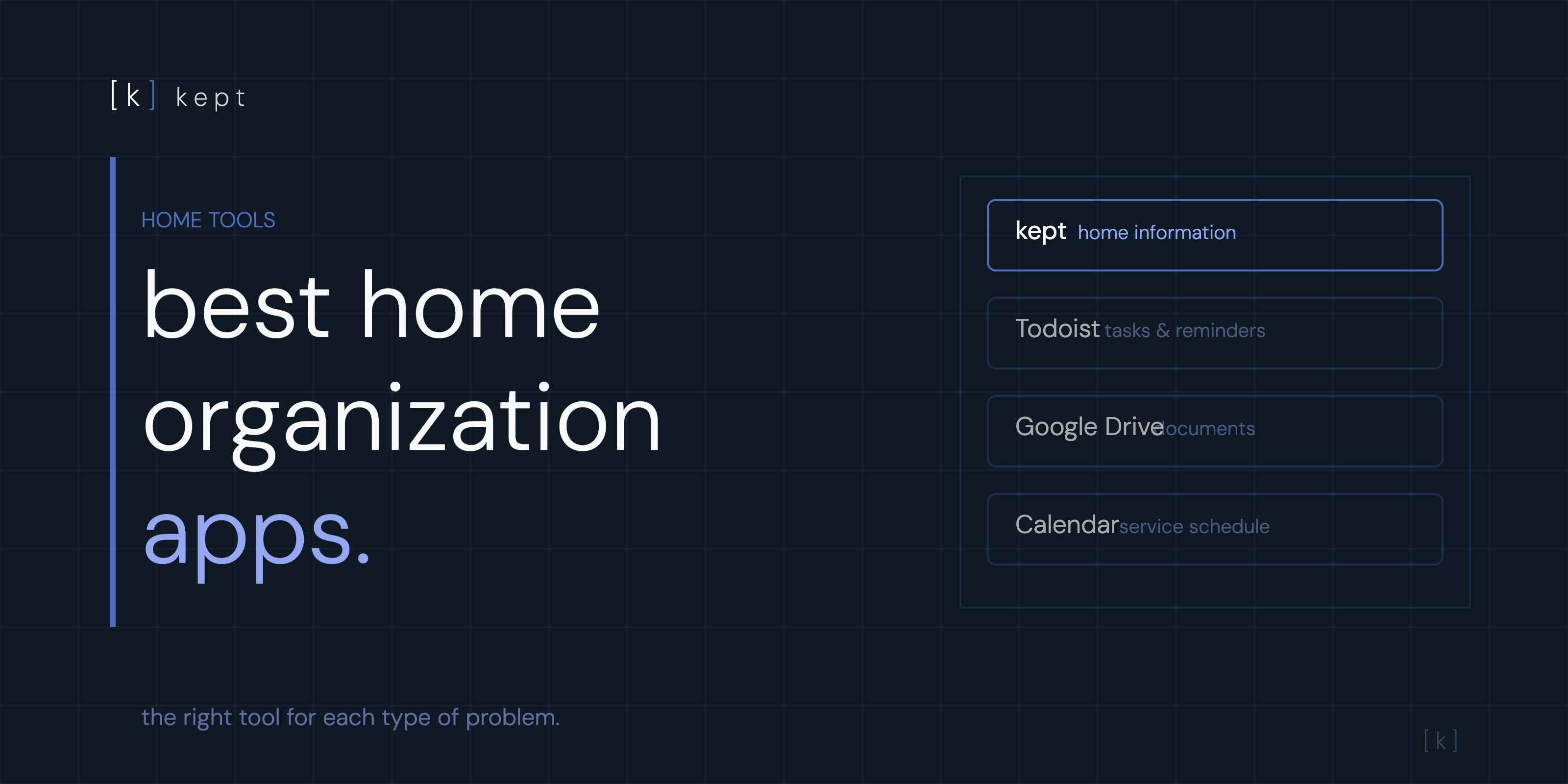
- kept — for all home information (specs, codes, contacts, warranties)
- Todoist or phone reminders — for recurring maintenance tasks and chores
- Google Drive — for document storage (warranties, permits, insurance)
- Google Calendar — for scheduling service appointments and seasonal reminders
Four tools, each handling a different type of problem, none trying to do everything. The information layer (kept) is the one most homeowners are missing — general task apps and document folders don't surface your furnace filter size at 9pm when you're standing in front of the furnace. That's a different kind of problem.
kept stores model numbers, warranties, paint colors, and service records. Search anything from your phone.
[ try kept free ]frequently asked questions
What is the best app for home organization?
It depends on what you're organizing. For home information (model numbers, filter sizes, paint colors, warranties) — kept. For household tasks and chores — Todoist or Any.do. For documents and receipts — Google Drive. Most organized households use two or three of these in combination.
Is there an app to keep track of home appliances?
Yes. kept is built specifically for this — scan a barcode or search by model number and it pulls the appliance specs, stores the model and serial number, and lets you track warranty dates, service history, and filter sizes.
What app should I use to track home maintenance?
For tracking what was done and when, kept works well alongside a calendar app. Log the service in kept attached to the appliance or system, and set a recurring reminder in your phone calendar for the next scheduled maintenance.
Are home organization apps worth it?
For homeowners, yes — especially for home information that's hard to find when you need it. Knowing your furnace filter size instantly instead of digging through the utility room saves time every single time you need a replacement. The value compounds every time you use it.
How do I organize household documents digitally?
Scan or photograph important documents (warranties, manuals, insurance, permits) and store them in a folder system in Google Drive or iCloud Drive. Name folders consistently: Appliances, Insurance, Renovation, Utilities. The goal is finding any document in under 60 seconds.